
Setapp in 2026: Is It Worth It for Mac Users?
.webp&w=3840&q=75)
One of the strengths of the macOS ecosystem is how strongly it is shaped around productivity.
Very quickly after switching to a Mac, you start noticing how many people customize their setup. Menu bar utilities, window managers, clipboard history tools, screenshot workflows, and small automation apps all become part of the experience. There is an entire layer of software designed to make everyday interactions smoother.
The internet makes discovering these tools surprisingly easy. Communities like r/macapps and platforms such as Product Hunt regularly highlight new utilities that solve small friction points or improve the way you work.
When you are just getting started, especially if you are coming from Windows, the first instinct is usually the same. You look for free alternatives.
Most of the time they are good enough. But every now and then, there is one feature missing. Something you saw elsewhere that looked genuinely useful. At first, skipping a small subscription or a 30 to 50 dollar lifetime license feels reasonable.
Until it happens again.
And again.
Over time, the question is no longer whether one app is worth installing, but how all these small utilities fit together as part of a real workflow.
That is exactly where Setapp becomes interesting.
Instead of choosing tools one by one, it offers access to a curated collection of over 230 macOS utilities through a single subscription. If you have already come across Setapp and are wondering whether it actually makes sense for your setup, this guide takes a closer look at what it includes and who it is really for.
What is Setapp?
 (1) (1) (1) (1).webp)
Setapp is a subscription-based marketplace of macOS applications created by MacPaw, the company behind tools like CleanMyMac.
Instead of buying apps individually, Setapp gives access to a curated catalog of utilities through a single monthly subscription. Once installed, the Setapp app works as a central hub where you can browse, install, and update all included software without managing separate licenses or accounts.
.webp)
The idea is not to replace the Mac App Store. Setapp focuses mostly on productivity tools that Mac users often discover over time while improving their workflow. Screenshot utilities, clipboard managers, system monitors, writing tools, menu bar apps, and automation helpers all belong to this category.
In practice, Setapp behaves less like a traditional store and more like a toolkit. You subscribe once, and the entire catalog becomes available as long as the subscription remains active.
For users who regularly install small workflow utilities, it changes how software is discovered, tested, and maintained on macOS.
How Setapp Works
Access Through a Single Subscription
Setapp works through a single subscription that gives access to a catalog of more than 260 curated applications across macOS and iOS. Once installed, the Setapp app lets you explore the library and install tools instantly without managing separate licenses or accounts.
Rather than focusing on large standalone software suites, the platform mostly covers the layer of utilities that gradually improves how you use your Mac every day.
Updates Are Included Automatically
All apps available through Setapp stay updated automatically as part of the subscription. There is no need to purchase major upgrades separately or track renewal cycles for individual licenses.
This makes it easier to keep a consistent setup over time, especially if your workflow depends on multiple small utilities.
What Happens If You Cancel Setapp
Because Setapp is subscription-based, access to the apps ends if the subscription stops.
For some users, this flexibility makes it easier to explore and test tools without committing to permanent licenses. For others who prefer owning their software long term, this difference can be an important factor to consider before building too much of a workflow around the platform.
Setapp Pricing in 2026
As of 2026, the standard Mac plan costs $9.99 per month, or about $119.88 per year when billed annually. A Mac + iOS plan is also available starting at $12.49 per month for users who want access across multiple devices.
Setapp also offers a 7-day free trial without requiring a credit card, which makes it easy to explore the catalog before deciding whether the subscription fits your workflow.
Since early 2026, Setapp has also introduced the option to subscribe to or purchase certain apps individually, including tools like Bartender, CleanMyMac, Downie, or AlDente, without using the full Setapp bundle. This adds another layer of flexibility depending on how many apps you actually need.
More in Tech Apps
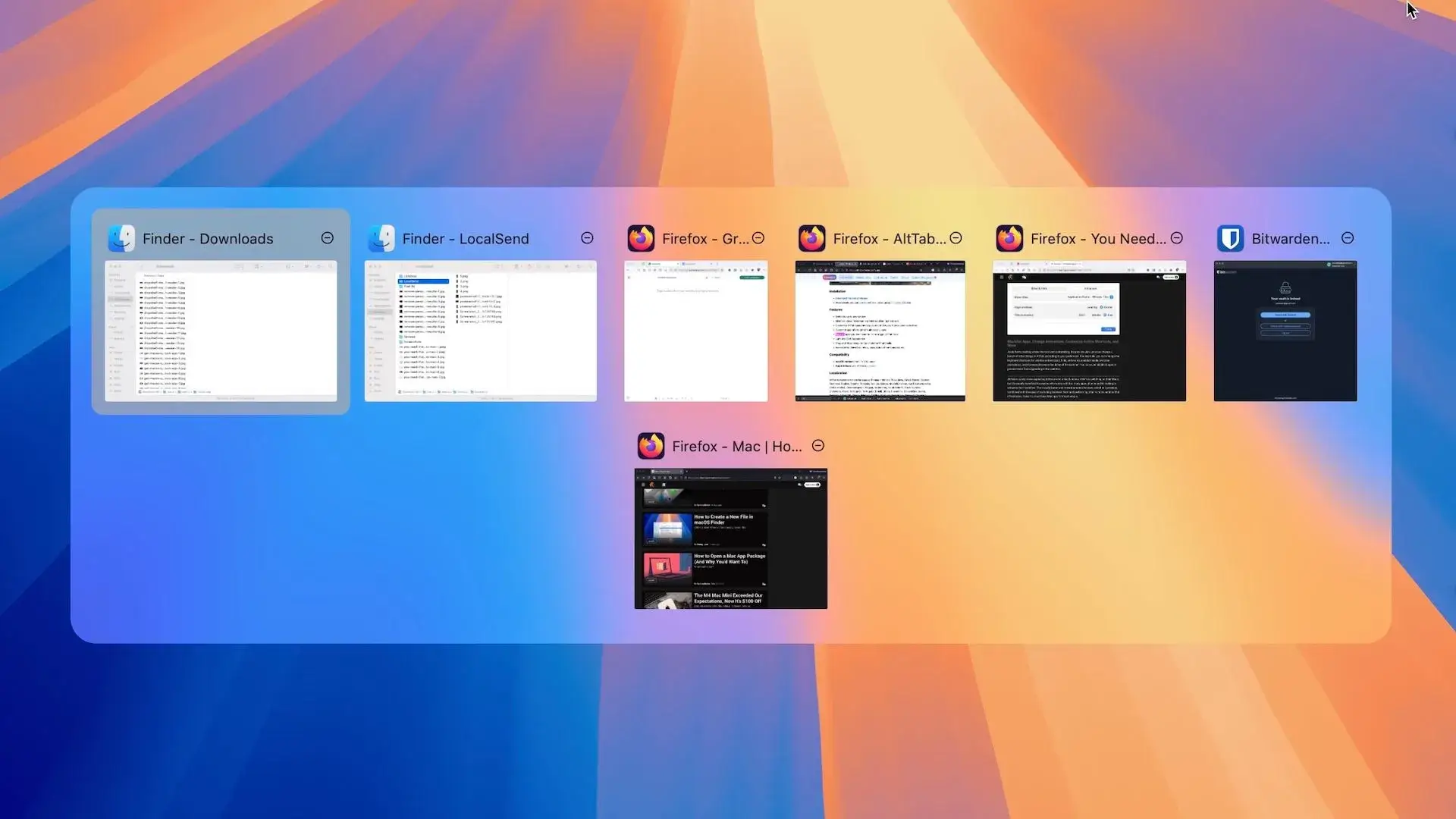
AltTab vs DockDoor on macOS 2026: Rethinking Window Switching
AltTab vs DockDoor on macOS: compare speed, previews, customization and privacy to find the best window switcher for your workflow.

The Best Notch Apps for MacBook 2026 (macOS Comparison Guide)
I tested the best notch apps for MacBook to see which one really improves productivity. Here’s the full comparison and my final choice.
The Best Screenshot Tool for Mac in 2026: CleanShot X
Discover why CleanShot X is the best screenshot tool for Mac in 2026, with powerful capture, annotation, and sharing features.